Capture the condition.
Take a photo or import existing images. Organize observations by location, room or equipment tag.
 FieldCaption
By Darkwater Strategies
FOR THE PEOPLE DOING THE FIELD WORK
Give every photo a clear purpose. Add captions, mark what matters, and turn your observations into a branded PDF report—right on your iPhone.
3 free PDF generations. $29.99 USD to unlock, once. No subscription.
App Store review in progress. Public download will be available after Apple approves the app.
Built for iPhone. Also supports iPad. Free generation requires iCloud and internet.
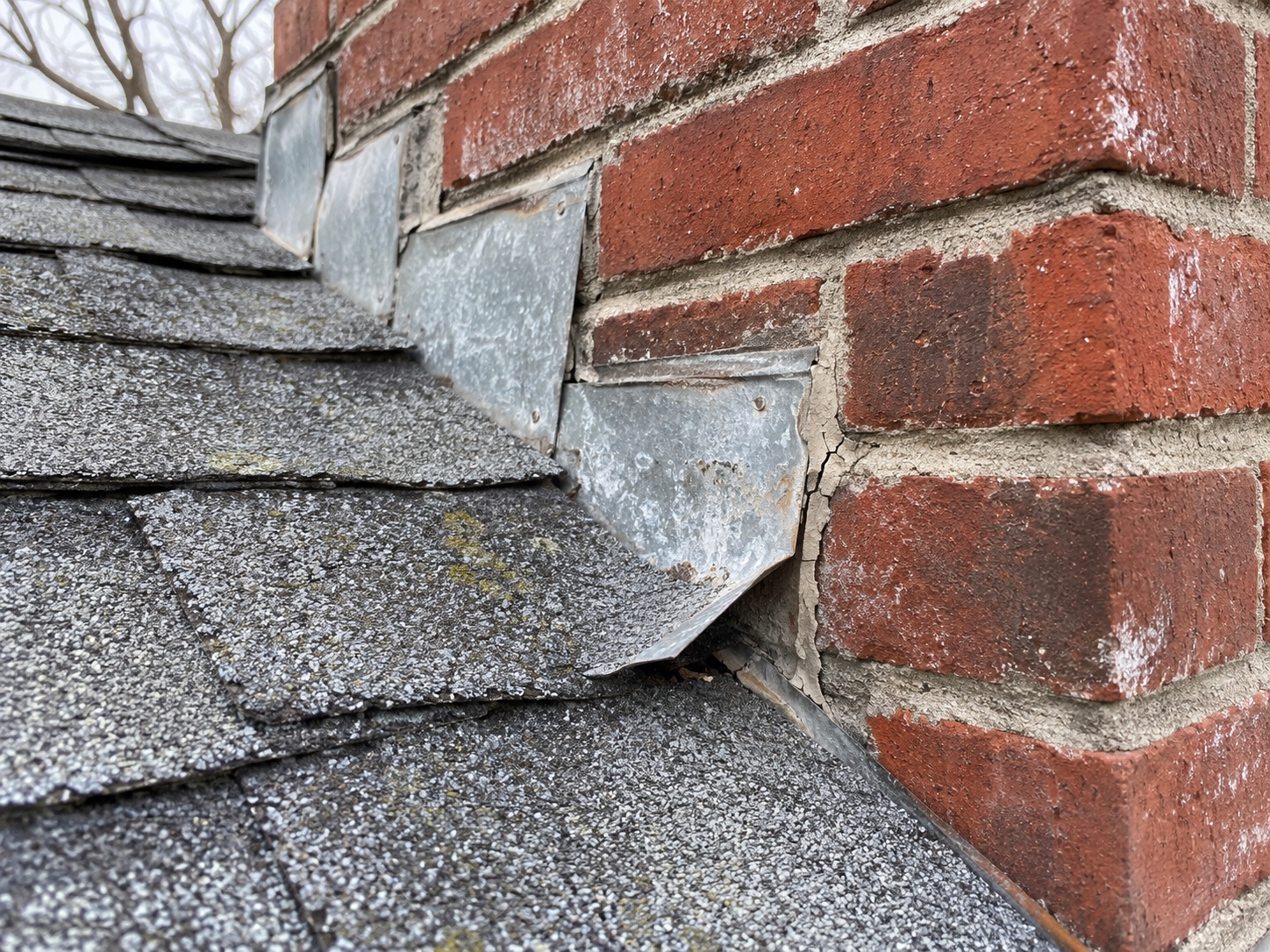 THE FINDING
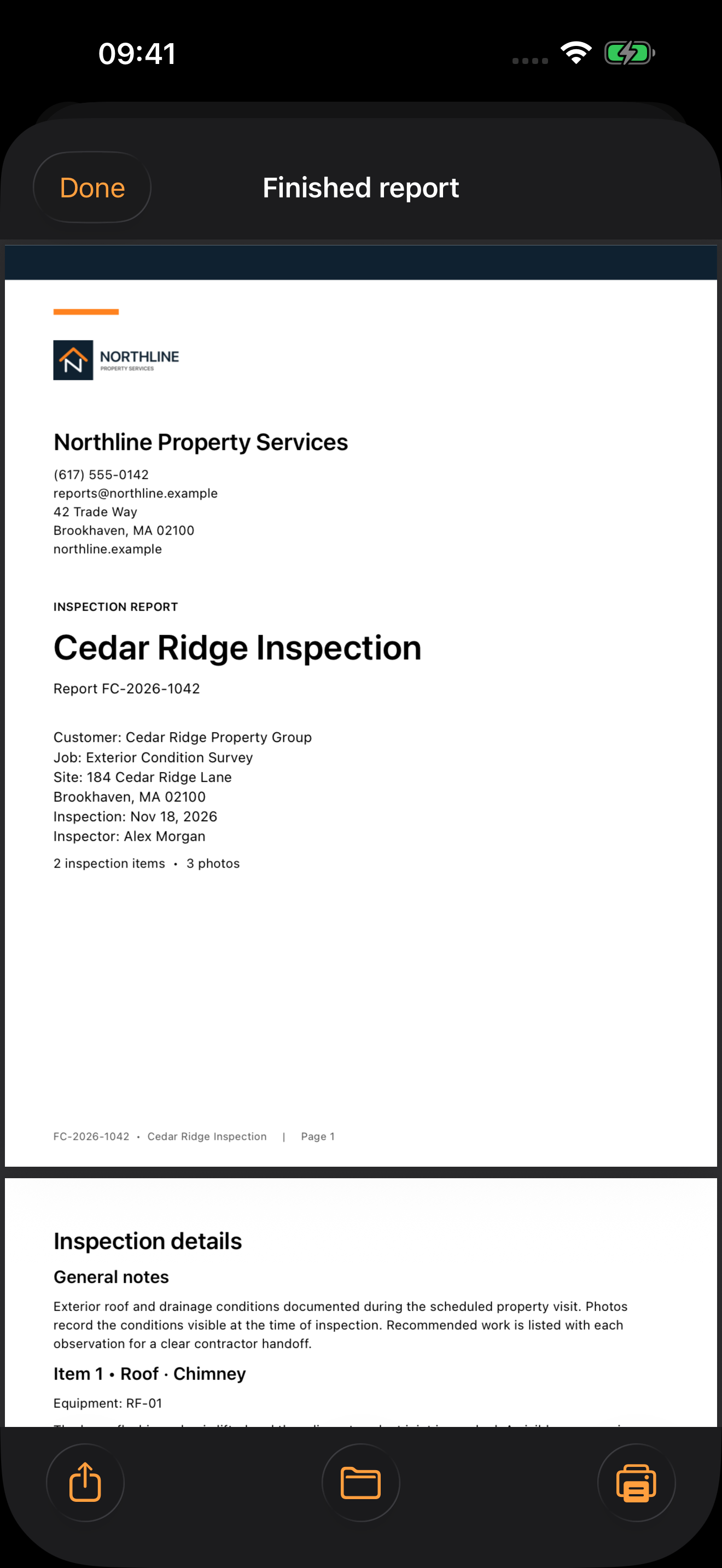
Fictional sample job shown in the app.
A CLEAR HANDOFF STARTS HERE
Keep the picture, the observation and the action note together. Then send a report your customer, crew or maintenance team can follow.
Take a photo or import existing images. Organize observations by location, room or equipment tag.
Add captions, arrows, text, numbered points and shapes. Keep the original picture and remove edits when needed.
Generate a Letter or A4 PDF with a cover, your company details, findings and photos. Preview, share, save or print.
WATCH THE APP IN USE
Three short demonstrations, recorded in FieldCaption with fictional sample jobs. Each video has on-screen captions and plays without sound.
The demonstrations show photo annotations, observation notes and PDF generation. Sample company and customer details are fictional.
Explore the finished PDFsOpen a roof inspection, review the observation and photo caption, draw a rectangle around the repair area, save the marked picture, and generate a PDF with a company-branded cover.
Open an HVAC service visit, keep the equipment tag with its observation, add an arrow to the equipment photo, and generate a branded report containing the findings and action notes.
Open a property walkthrough, review an observation and action note by room, place a numbered marker on the photo, save its caption, and generate a report with a cover sheet.
SEE WHAT YOU CAN SEND
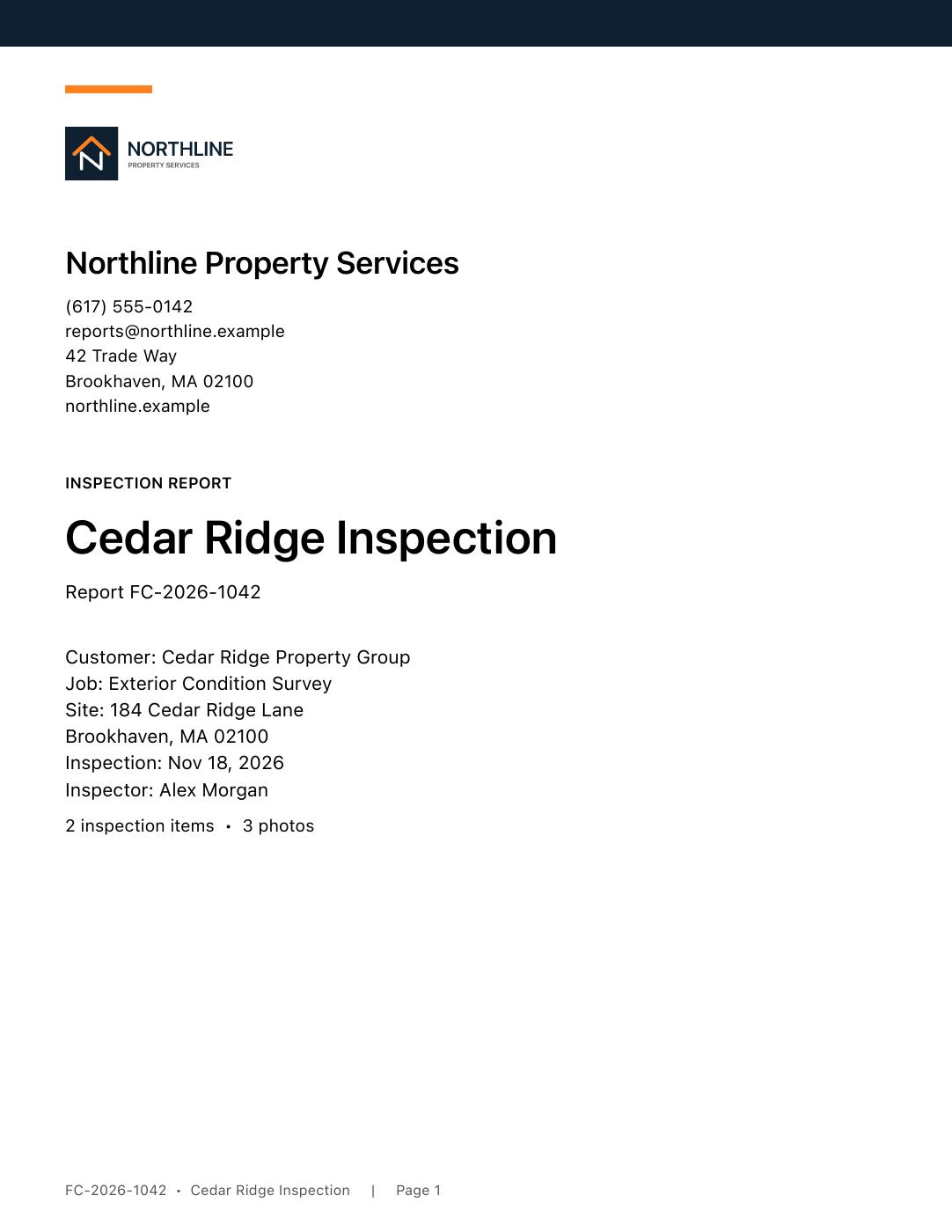
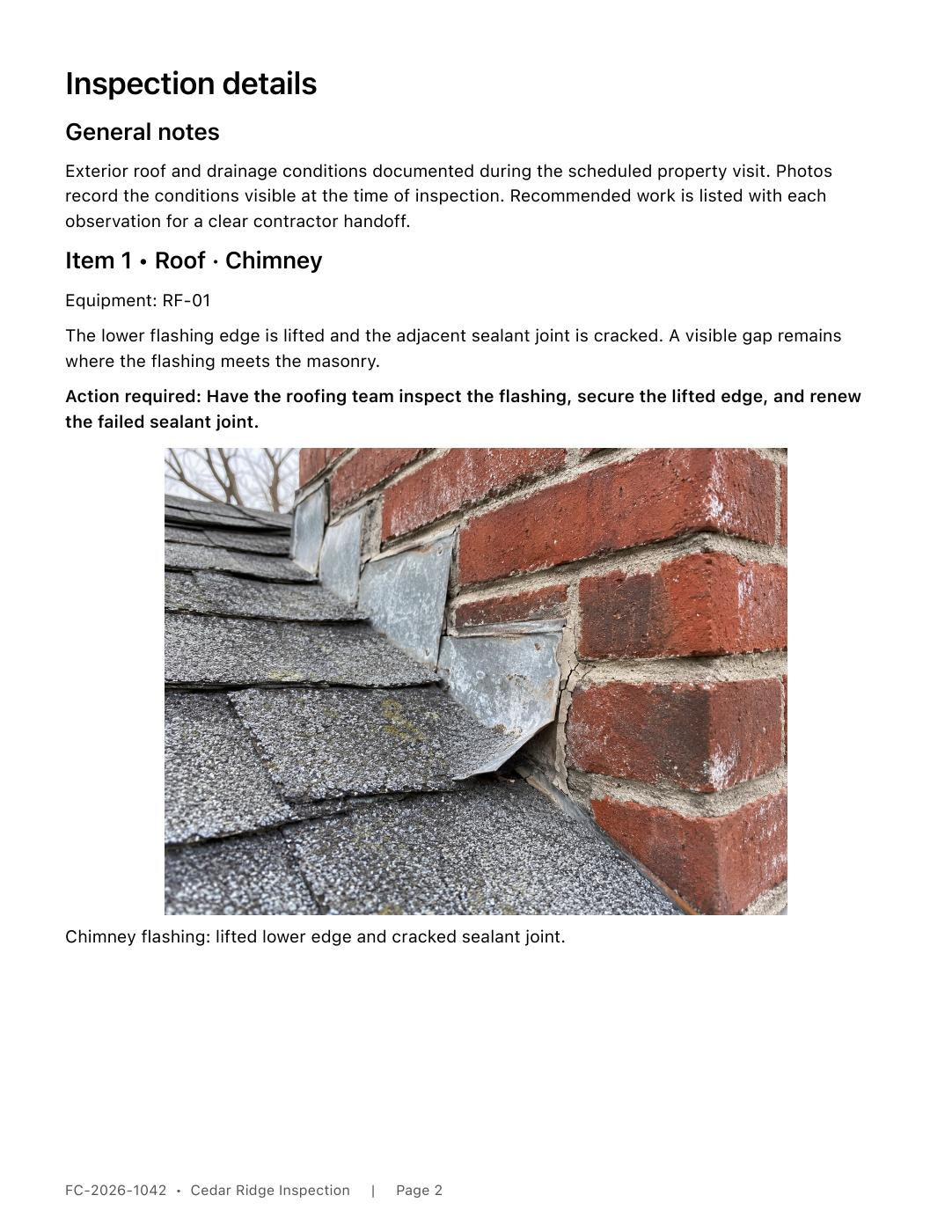
The cover puts your company details up front. The report keeps the photos alongside captions, observations and required actions.
These are illustrative reports with fictional company, customer and job details. FieldCaption is a documentation tool; report requirements vary by job.
START WITH YOUR OWN JOB PHOTOS
Three successful PDF generations are free. Experience the photo editor and finished reports before purchasing.
Reports and photos are stored on your device. Apple handles purchases, and a small record in your private iCloud database coordinates the free allowance. No FieldCaption login. No advertising or analytics SDK.
Read the privacy policyFIELDCAPTION FULL UNLOCK
$29.99USD
One purchase. No subscription.
About the free allowance: each successful generation counts, including revisions. Failed generations do not. Trial generation and verification require iCloud and internet.
After the allowance, reports, photos and notes remain accessible. Capture, typing and complete backup remain available. Purchases and restoration may require internet. Local App Store prices vary by region.
Get FieldCaption on the App StoreAsk about availabilityA FEW PRACTICAL DETAILS
Each successful PDF generation uses one allowance, including a revised version of the same report. Failed generations do not count. You can finish sharing, saving or printing your third PDF before closing its preview.
Yes. Your existing reports, notes and pictures remain accessible. You can continue capturing photos, typing notes and saving a complete backup. Photo editing, PDF generation and PDF output require Full Unlock after the allowance is used.
Yes. FieldCaption retains the original picture when you edit. Remove all edits restores the original and keeps its caption.
There is no FieldCaption account. The free allowance uses your private iCloud account and requires internet for verification and generation. Established, verified paid access works offline on that device. Purchase and restoration may require internet.
Use Save a complete backup in Settings and keep a copy outside the app. Backup files include reports, photos, retained originals, branding and saved PDFs. Restoring an Apple purchase restores access, not your local reports.
FieldCaption has been submitted to Apple and is awaiting App Store review. Public download becomes available after approval. The page will be updated with the live App Store link.
Take the photo. Explain the finding. Send the report.